

Smart Label Manager for Jira
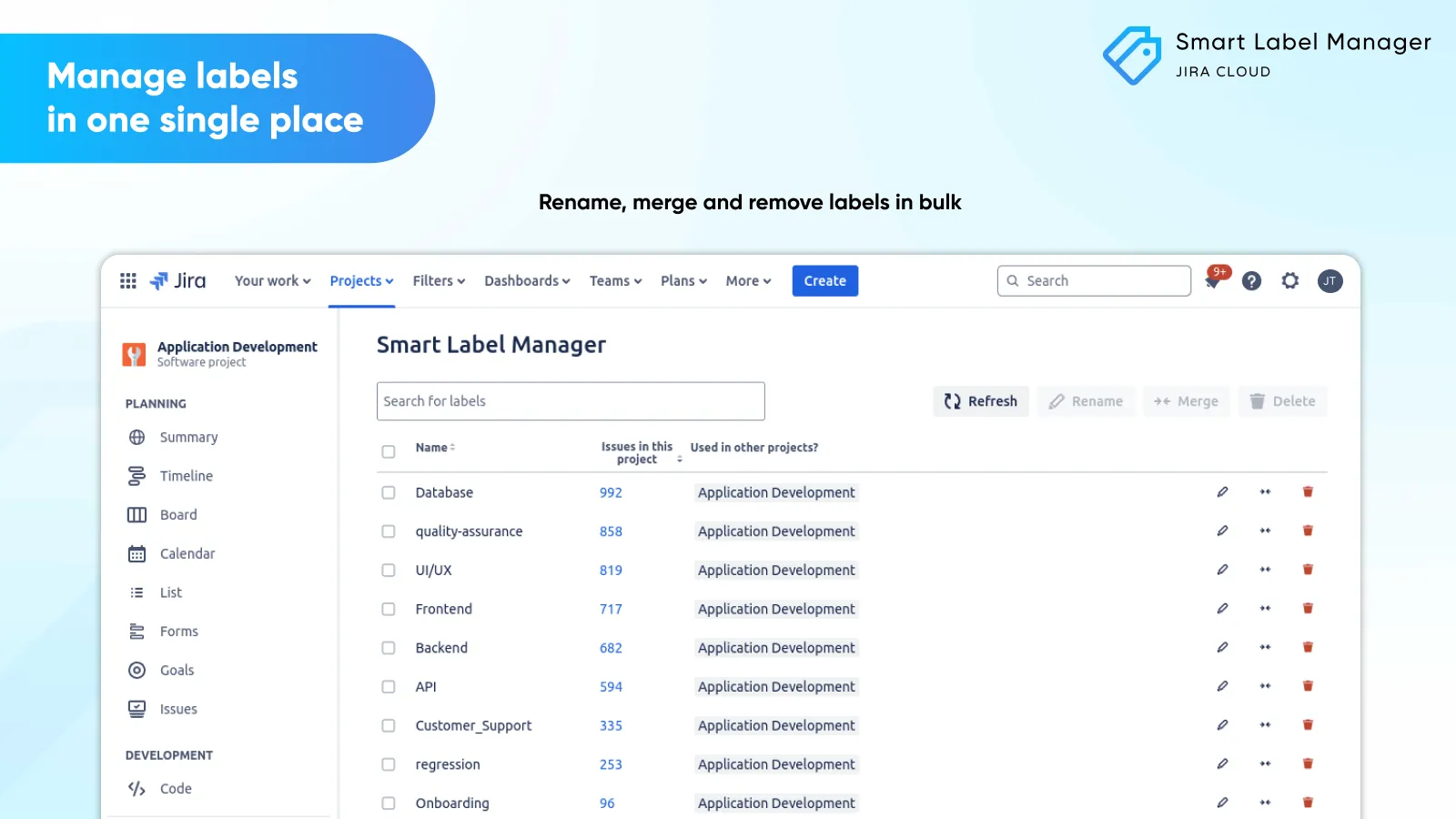
Manage labels in one place
Rename, merge and remove labels in bulk.
Introduction
Welcome to the user guide for Smart Label Manager. In this guide, we’ll walk you through the features of our extension for Jira. Smart Label Manager for Jira is a third-party app developed specifically to meet the need for managing labels within your favorite Atlassian product.
Is this secure?
Yes, this app is built within Atlassian Forge and runs on Atlassian’s infrastructure without any data egress. Important note: Only users having the administrator role will be able to manage labels.
Managing labels
Key features
- Rename, merge and remove labels in a central place
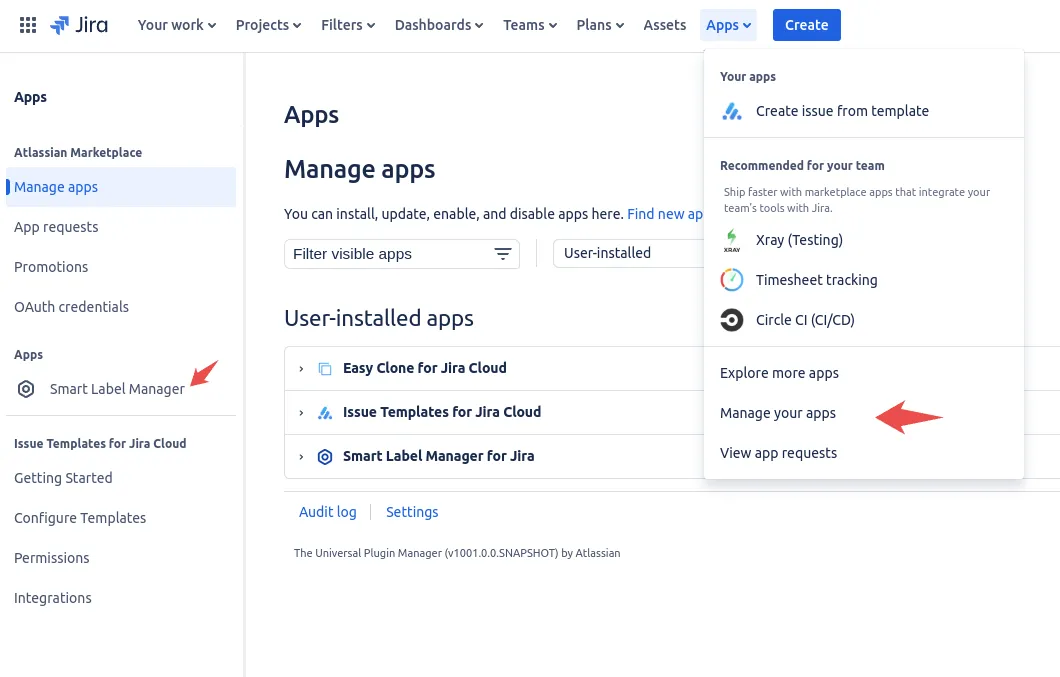
- Access from project settings or global admin
Two ways to manage labels
- 1
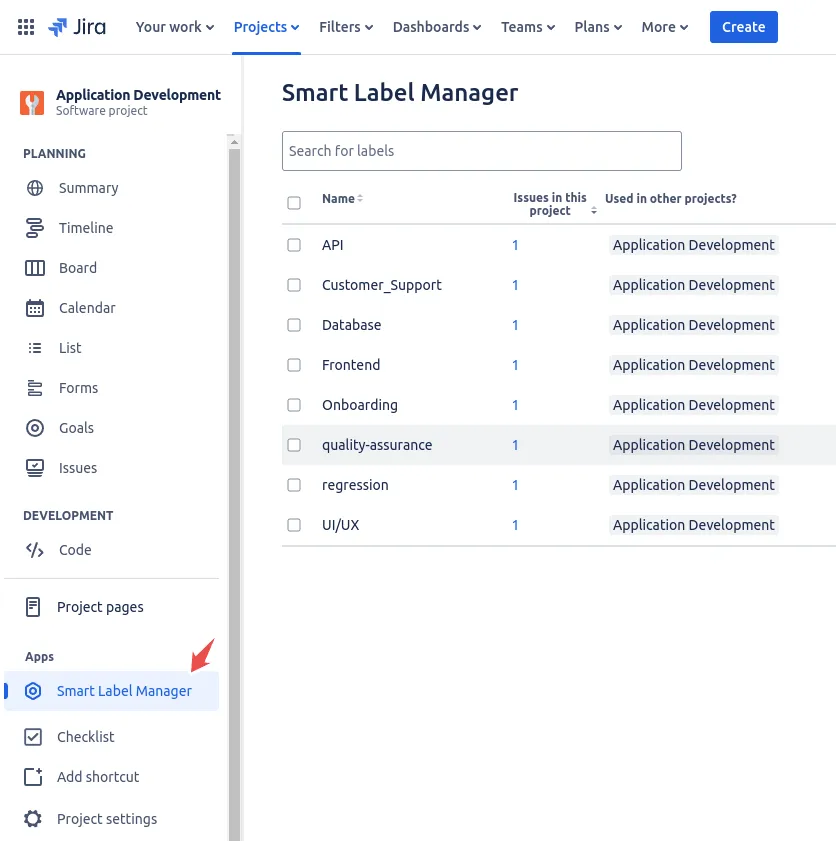
Navigate to the desired project where you would like to manage labels.
- 2
In the left menu, look for Smart Label Manager under the Apps section.
- 3
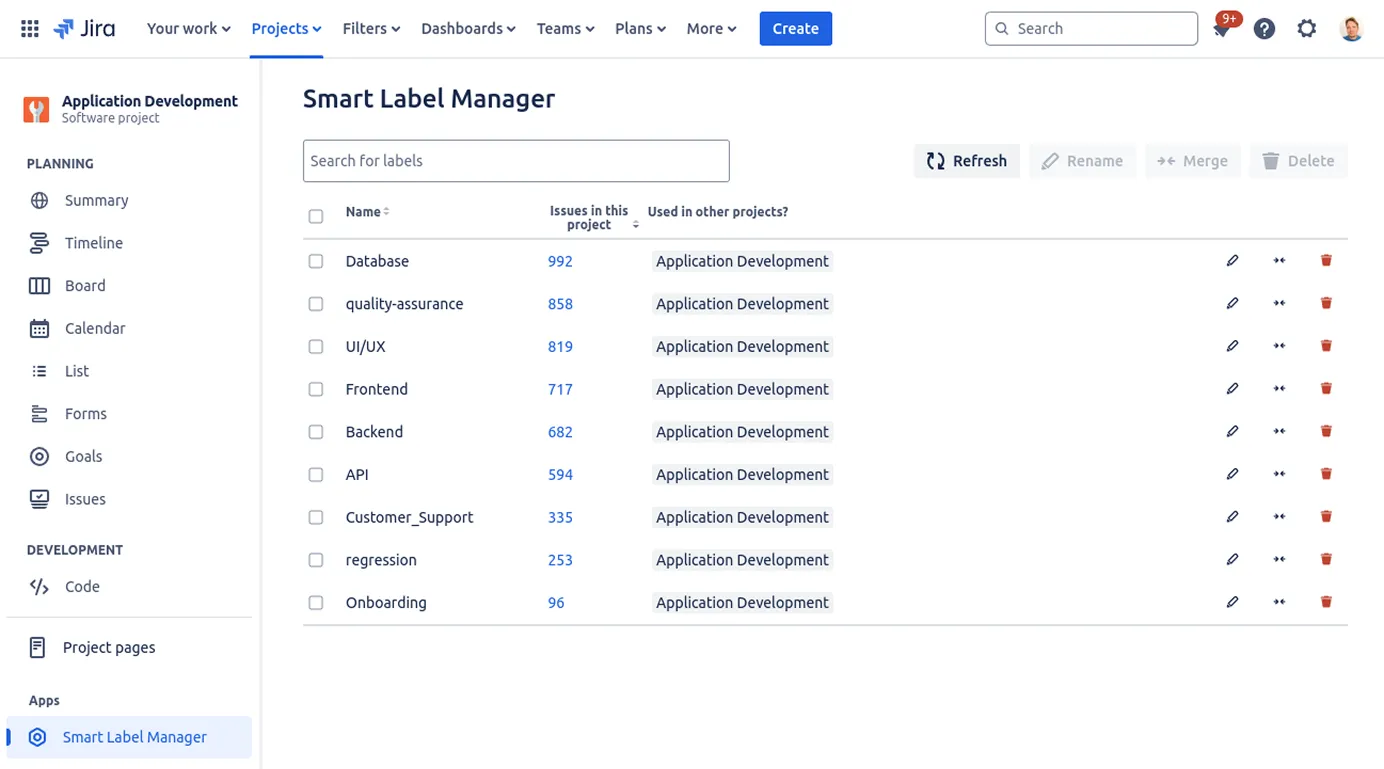
Once the app is visible, you will be prompted with this view.
- 4
On this page, you will be able to rename, merge or remove one or several labels at once.
Troubleshooting
Inconsistencies in the label list
Jira has an internal cache (often referred to as an index) where details about projects and issues are stored. It may take a few minutes (sometimes longer, depending on the size of your Jira instance) for the actual label list to refresh correctly. This especially happens when merging labels on a long list of issues. In the meantime and when having doubt about a particular merge or renaming, you can always check the accuracy of your labels in the main Issue list of Jira.
The app doesn’t show in the project page
This app can only be used by Jira administrators.
Still have questions?
Our team is happy to help. Reach out through our support portal and we will get back to you.